Modern browsers make it convenient to save credentials, but this convenience comes with a cost. Unlike cloud-based password managers that encrypt and tightly control access to credentials, browsers store passwords locally in SQLite databases or credential vaults.

When responding to a cybersecurity incident, spending a lot of time analyzing forensic artifacts is a luxury that none of us have. Let’s say you have an incident in an organization with thousands of servers and clients, analyzing the compromised environment will take weeks, even months.
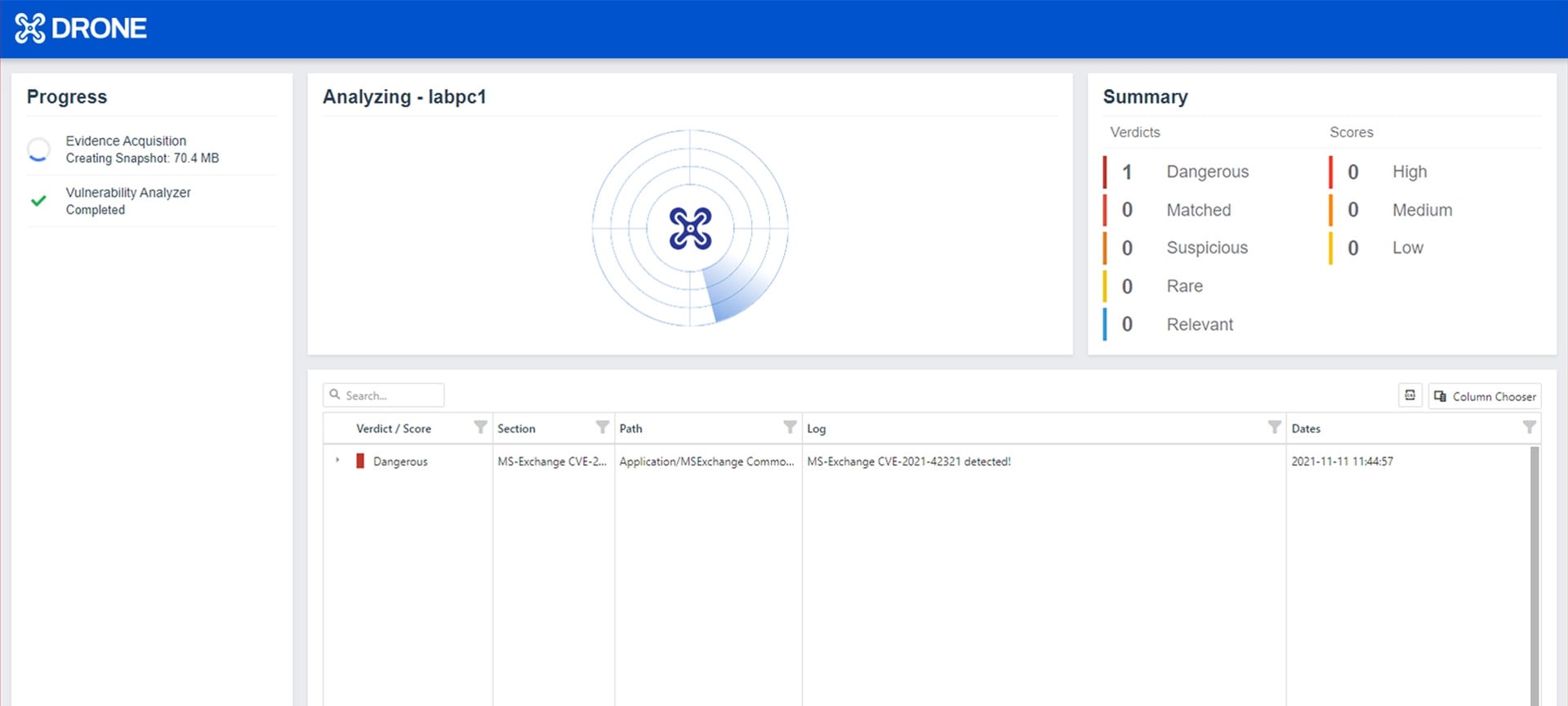
Compromise assessment is an analysis of a network of endpoints or a single endpoint to uncover unknown security breaches, malware, and any sign of unauthorized access. The assessment seeks to discover any present and past attacker traces in the environment.

The first innovation of Binalyze was decreasing the evidence collection time to minutes from hours, if not days. The second one was making the overall acquisition process a fully automated workflow.
Before we dive into how to use the Webshell Detection feature in DRONE here is a quick reminder on what a web shell malicious attack is capable of.
A couple of months ago we released our new DRONE solution, which is set to transform remote digital forensics investigation by giving you the capability to quickly understand your network by acquiring and analyzing data across all endpoints in minutes.